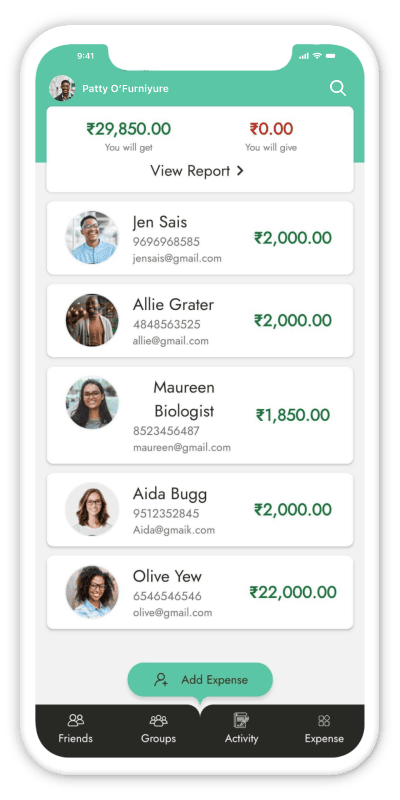
Split bills and share expenses
with friends
Split a bill equally, by exact amounts or by percentage. Track who owes whom in the currency you choose and settle up with a clear history. Free on Android, iOS and the web.
Create a free account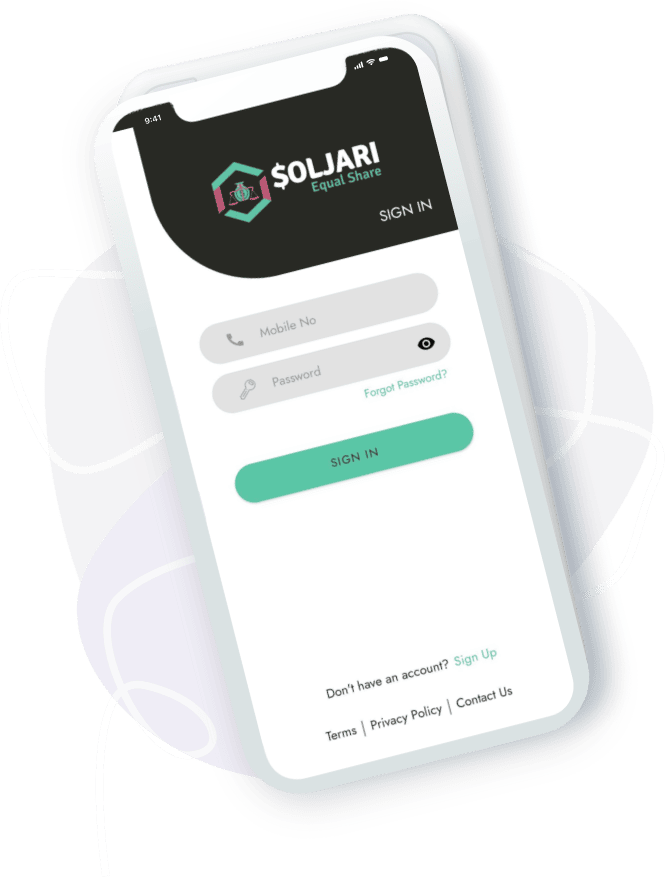
Why people split with Soljari
Free to use for every shared expense.
Add friends, split bills and settle up in a few taps.

Fast performance
- Get Expense Details from Notifications
- Create a faster Expense
- Add faster friends in Expense

Secure
- Provide Security for Your account Everyone not See Your Expenses
- Two step Verification for your account

Expense Editing
- You can edit Expese after Create.
- You are addingn more friends on exiest Expense You can Edit Payments
Effortless expense sharing, anytime and anywhere
Say goodbye to complicated expense splitting. With Soljari, effortlessly share expenses with friends and family, track spending, and settle debts with ease.

Expenses
You will be notified when your friends accept or reject the expenses which you've created.

Friends
You can add your friends whether they are registered or not registered with the application.

Expense Request
You are notified when your Friends Accept and Reject which are your Create expenses.
Every group, every rupee, in one place
Add an expense once and Soljari works out who owes whom. Split equally, by exact amounts or by percentage, add friends even if they are not on the app yet, and see a clear history of every bill and payment — on your phone or on the web.
Learn moreMade for real-life shared spending
Trips, flats, office lunches or family functions — wherever one person pays and everyone owes a bit, Soljari keeps the maths fair and the friendships intact.

Trips & holidays
Make a group for the trip, add hotel, fuel and food as you go, and see each person's share at the end — no spreadsheet needed.

Flatmates & rent
Rent, electricity, groceries and maid salary — track the monthly house costs and settle up once, not after every bill.

Synced on every device
Your groups and balances are saved to your account, so they are the same on Android, iPhone and the web.

Split any way
Equally, by exact amounts or by percentage — pick what is fair for each bill.

Nothing changes without a yes
Friends accept or reject the expenses you add, and you are notified either way, so nobody is surprised by their balance.

Help when you need it
Questions or a problem with a group? Write to us from the contact page in the app or on the website.

How Soljari works
Four steps from "who paid for what?" to "we're all settled".
1. Add your friends
Create a group or add friends one by one — they do not need the app to be added.
2. Add an expense
Enter who paid and how much, then split it equally, by amount or by percentage.
3. Friends approve
Everyone in the expense is notified and can accept or reject it.
4. Settle up
Record a payment when someone pays you back and watch the balance go to zero.
Everything in Soljari
 Add Groups and Friends
- Add Friends from Your Contacts
- Calculate Total Balances
- Categorize Expenses
- Split Equally, Unequally or by Percentage
- Multiple Payers on One Bill
- Attach a Bill Photo
- Comments on Expenses
- Accept or Reject Expense Requests
- Record Payments and Settle Up
- Activity Feed
- Search Friends and Groups
- Settle-up Reports by Date
- Export Reports to Excel
- Choose Your Currency
- Cloud Sync Across Devices
- Push Notifications
Frequently asked questions
How to split by percentage, what happens when several people paid, changing currency, recording a settle-up and how your data is kept secure.
Read the FAQAlready using another app? See how Soljari compares.

Download the app
Less stress when sharing expenses with housemates. Keep track of your shared expenses and balances with housemates, trips, groups, friends, and family.